yLinx vCloud — VMware infrastructure
Transition your legacy IT hardware into a high-availability, flexible cloud environment. yLinx Cloud provides an enterprise-grade cloud infrastructure designed to reduce capital expenditure while maintaining total data control.
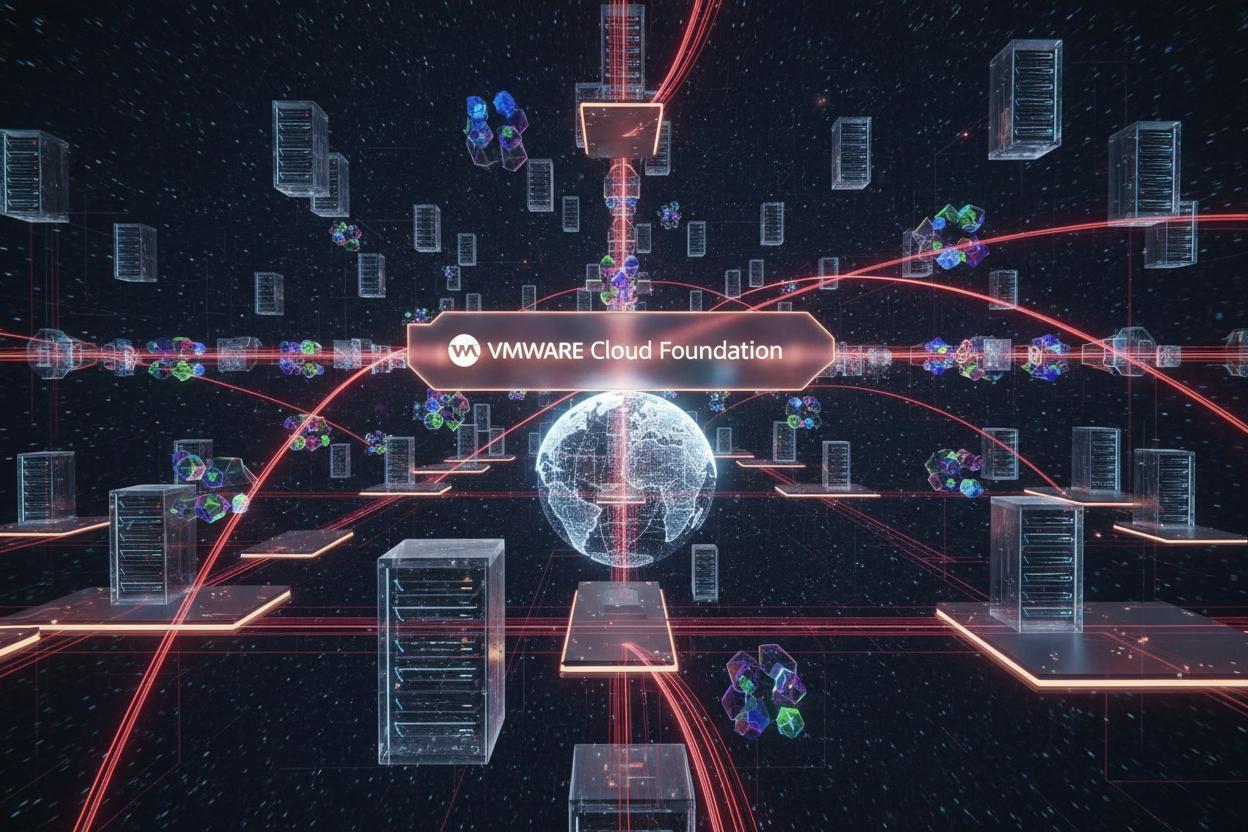
Enterprise-Grade Virtual Server Deployment & Isolation
High-performance cloud virtualization tailored for enterprise reliability
Dynamic Resource Allocation & Scalability
Instantly provision CPU, RAM, and cloud storage through an intuitive management interface as your corporate workload expands.
Enterprise-Grade Security & Data Isolation
Protect mission-critical records with multi-tenant isolation, automated compliance backups, and encrypted storage protocols.
High Availability Architecture & Disaster Recovery
Our clustered cloud infrastructure automatically migrates virtual workloads across healthy physical hosts to guarantee continuous uptime.
Note: Pair your scalable cloud environment with our Dedicated Corporate Fiber Optic Internet for seamless data access.
Built for Enterprise Workloads
Our Cloud infrastructure is designed from the ground up for reliability, performance, and security. We use industry-leading VMware technologies combined with reliable hardware to deliver a cloud experience that meets the demands of modern businesses.
Each virtual machine runs on dedicated resources with guaranteed CPU, RAM, and storage allocation. Our multi-tenant architecture ensures complete isolation between customers while maximizing resource efficiency.
- Dedicated Resource Allocation
- Multi-Tier Storage Options
- Software-Defined Networking
- API & CLI Access
- Custom ISO Support
Cloud Plans
Scalable virtual machines for every workload
Cloud Starter
Perfect for small businesses and development environments
- 2 vCPU (Intel Xeon)
- 4 GB RAM
- 100 GB SSD Storage
- 2 TB Bandwidth
- 1 Gbps Network
- Daily Backups
- Business Hours Support
Cloud Business
Ideal for production workloads and growing businesses
- 4 vCPU (Intel Xeon)
- 8 GB RAM
- 250 GB SSD Storage
- 5 TB Bandwidth
- 10 Gbps Network
- Hourly Backups
- 24/7 Priority Support
Cloud Enterprise
For mission-critical applications and large organizations
- 8 vCPU (Intel Xeon)
- 16 GB RAM
- 500 GB SSD Storage
- 10 TB Bandwidth
- 25 Gbps Network
- Real-time Replication
- 24/7 Dedicated Support
Frequently asked questions
How is a cloud virtual server different from web hosting?
Web hosting packages focus on running websites within a managed account. A virtual server provides an operating-system environment with allocated compute, memory and storage, giving more control and more administration responsibilities. Compare web hosting with yLinx vCloud against the workload.
Link to this answerHow do we size a virtual server?
Measure CPU, RAM, storage, database growth and peak concurrent demand. Include disk performance, network traffic and software licensing requirements. A small pilot and workload measurements are more useful than selecting by vCPU count alone. Confirm the proposed resources with yLinx before moving production.
Link to this answerWhat is a sensible cloud migration process?
Inventory applications and dependencies, take a recoverable backup, build a test environment and validate access and performance. Plan data synchronization, a cutover window and rollback criteria. Agree who handles each step with yLinx. Test business functions before changing production traffic.
Link to this answerAre snapshots the same as a complete backup strategy?
No. Snapshots can help return a virtual machine to an earlier state, but may share failure risks with its storage platform. Define backup location, retention, encryption and restoration tests separately. Confirm what your selected yLinx plan includes and which application data you must protect yourself.
Link to this answerWhat should we ask about recovery objectives?
Recovery point objective (RPO) describes how much recent data loss is acceptable. Recovery time objective (RTO) describes the desired time to restore operation. Set targets for each important application and test them. Do not infer either objective from a backup frequency or an uptime percentage alone.
Link to this answerWho manages operating systems and application updates?
Management scope must be agreed in the order: infrastructure, guest operating system, databases and applications are different responsibilities. Ask who patches, monitors, backs up and responds to incidents. Confirm administrator access and the support boundary before placing a production workload on the server.
Link to this answerCan server resources be increased without interruption?
Scaling depends on the platform, guest operating system and resource being changed. Some changes require a restart or maintenance window. Ask yLinx to confirm availability, procedure and price for your chosen configuration. Keep a current backup and plan for application checks afterward.
Link to this answerWhere will our cloud data be hosted?
Request the location, contractual data handling terms and any relevant residency requirements directly from yLinx. Include backup locations and administrator access in the discussion. This FAQ does not assert a specific data center location, accreditation or compliance status for your workload.
Link to this answerReady to Move to the Cloud?
Start with a plan that fits your needs and scale as you grow
Talk to an Expert